


1
of
6
Loading...
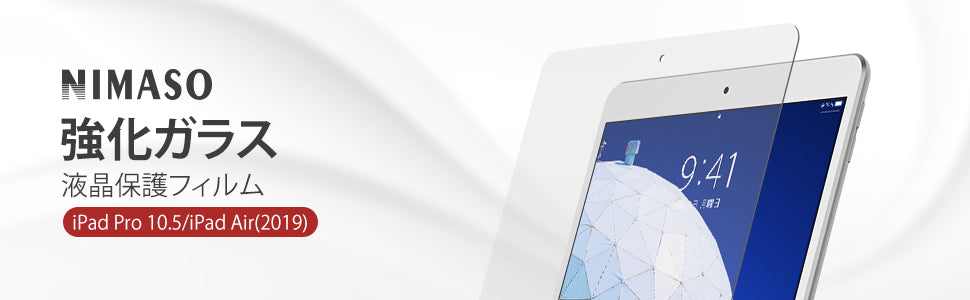
NIMASO Glass Film for iPad Pro (10.5 inch)/iPad Air 3, High Gloss, with Guide Frame, 1 Piece
SKU:
ipadfilm01-105-gq
¥1,699
Unit price
/
Unavailable
Shipping calculated at checkout.
説明
説明
Display general product information or specific product information using metafields.
NIMASO Glass Film for iPad Pro (10.5 inch)/iPad Air 3, High Gloss, with Guide Frame, 1 Piece - iPad Pro 10.5 inch/iPad Air 10.5 inch (3rd generation) is backordered and will ship as soon as it is back in stock.
ご利用可能な支払方法

NIMASO Glass Film for iPad Pro (10.5 inch)/iPad Air 3, High Gloss, ...
¥1,699
Unit price
/
Unavailable

-

High transmittance
- With its ultra-thin thickness, you can enjoy the beauty of the LCD screen as if nothing is attached. The screen definition is not affected even when the film is attached. You can operate the screen smoothly without any discomfort.
-

Protects your iPad
- The surface hardness is 9H, and the material used is extremely hard. It protects the iPad's LCD screen from scratches that occur in daily life. It has also passed impact tests, so it will protect the iPad even if it is accidentally dropped.
-

Highly sensitive touch
- The highly durable oleophobic coating makes it difficult for fingerprints and dirt to stick, and even if they do, they can be easily wiped off. You can always get a beautiful screen and smooth, easy operation. The highly sensitive touch makes it easy to draw with the Apple Pencil or tap with one hand without any problems.


