
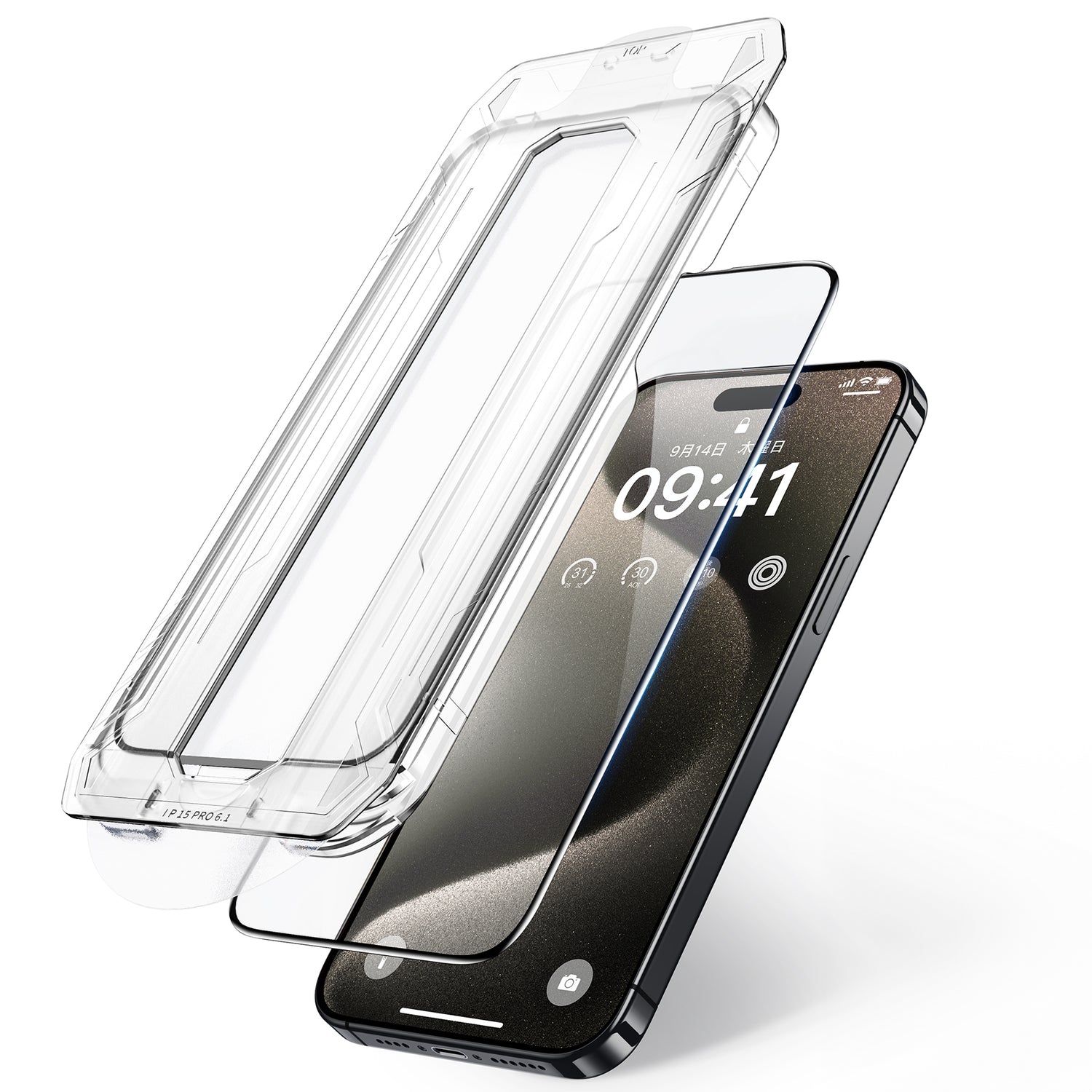


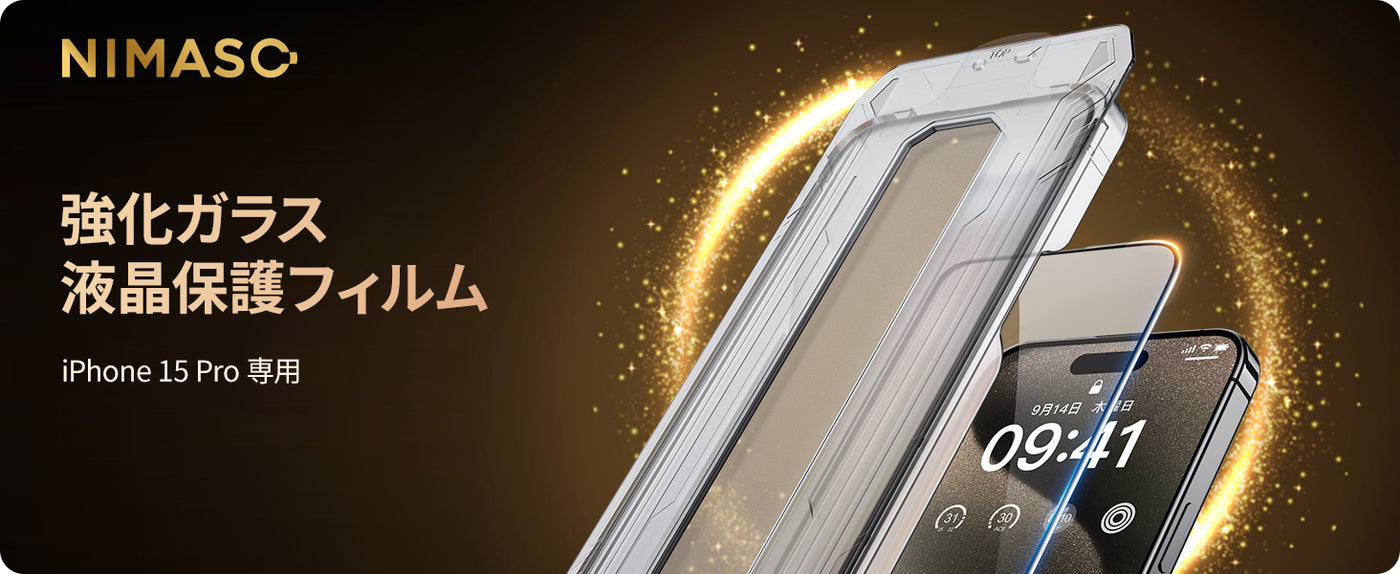
NIMASO Tempered Glass Screen Protector for iPhone 15 Plus/Pro/Pro Max with Black Border, Full Protection, Automatic Dust Removal, Bubble-Free, and Guide Frame
¥1,444
¥1,699
Unit price
/
Unavailable
Shipping calculated at checkout.
Free shipping & fast delivery
Free shipping & fast delivery
Display general product information or specific product information using metafields.
NIMASO Tempered Glass Screen Protector for iPhone 15 Plus/Pro/Pro Max with Black Border, Full Protection, Automatic Dust Removal, Bubble-Free, and Guide Frame - iPhone 15 Pro Max is backordered and will ship as soon as it is back in stock.
ご利用可能な支払方法

NIMASO Tempered Glass Screen Protector for iPhone 15 Plus/Pro/Pro M...
¥1,444
¥1,699
Unit price
/
Unavailable
-
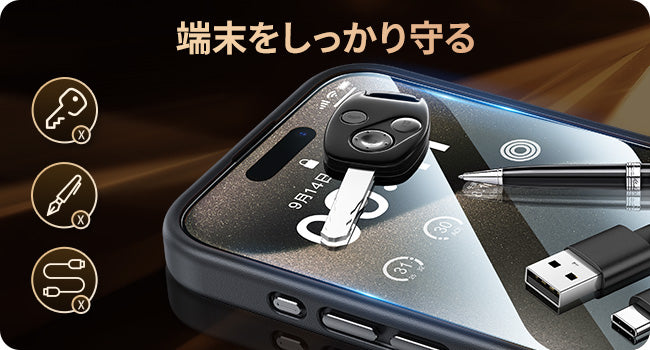
Great screen protection
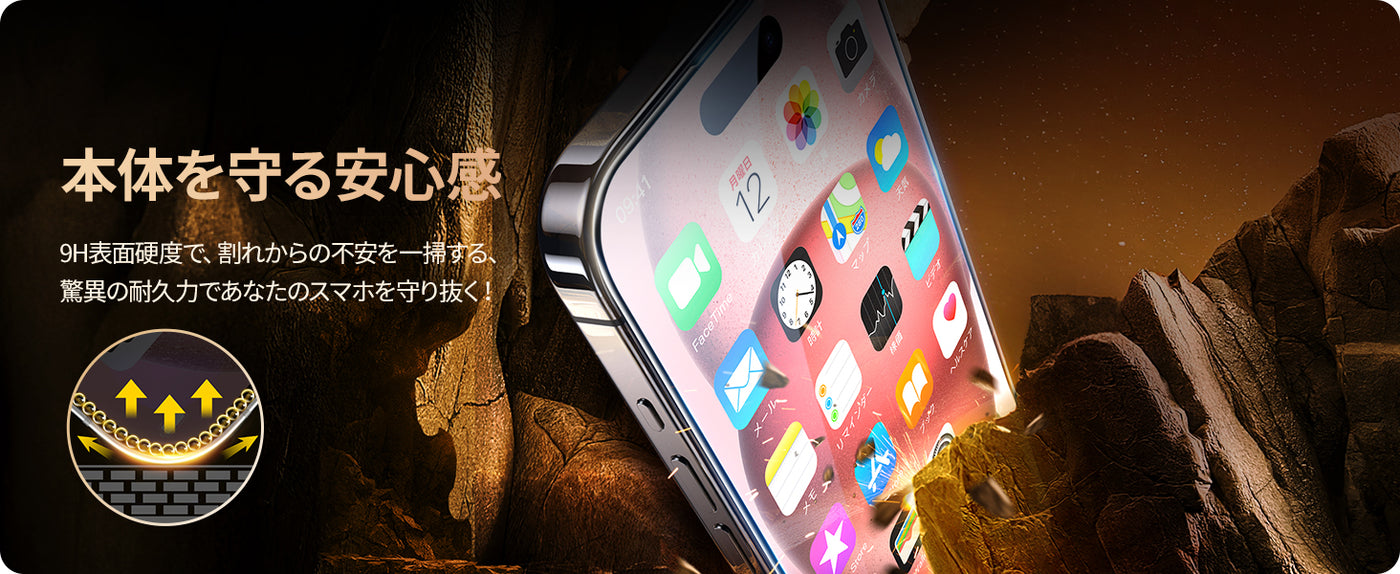
- The material has a surface hardness of 9H and is extremely hard, protecting the iPhone's LCD screen from scratches that may occur in daily life. It also protects the iPhone body even if it is accidentally dropped.
-
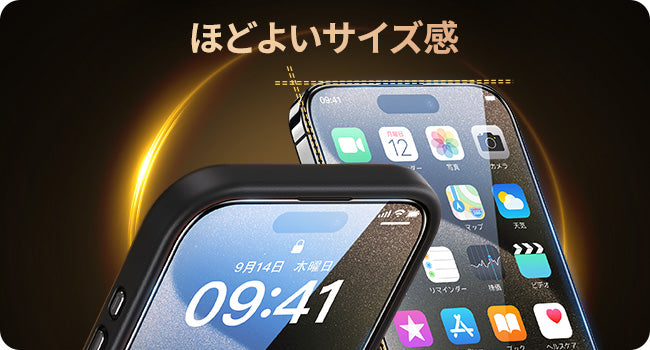
Without interfering with the case
- The design leaves a moderate amount of space around the edges to prevent the edges of the film from peeling off or lifting up. It will not interfere with any case, but we recommend using it with a NIMASO protective case to fully protect your precious iPhone.
-
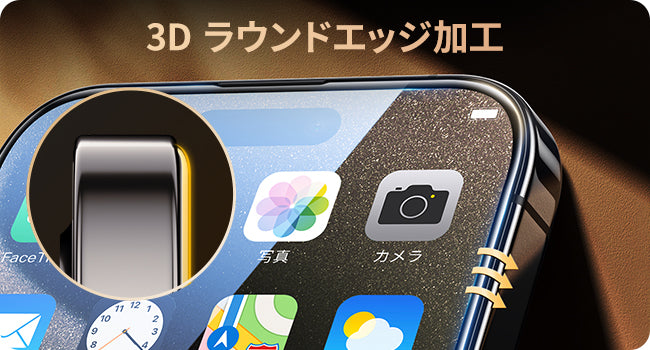
Rounded Edges
- We have tested the film on a wide variety of cases and found that it is compatible with over 99% of cases. Because case designs vary, the corners of the film may be slightly raised when you first put it on, but if you wrap a cloth around your finger and push it out gently, the raised corners will disappear and the film will be applied neatly.
-
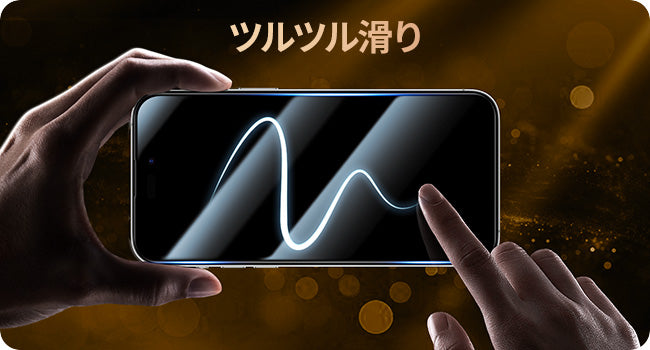
Excellent operability
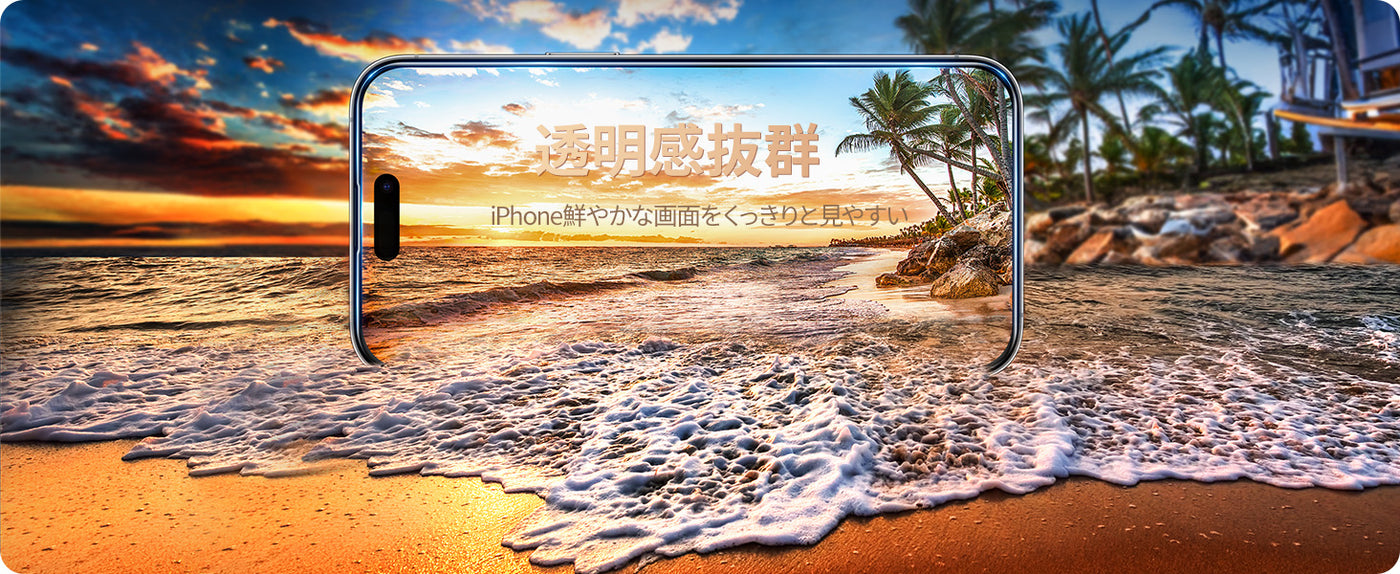
- The ultra-thin glass film with high transmittance is coated with a highly durable oil-repellent coating to maintain the screen's definition and prevent fingerprints and dirt from sticking. Experience a beautiful screen and smooth operation with a smooth touch.
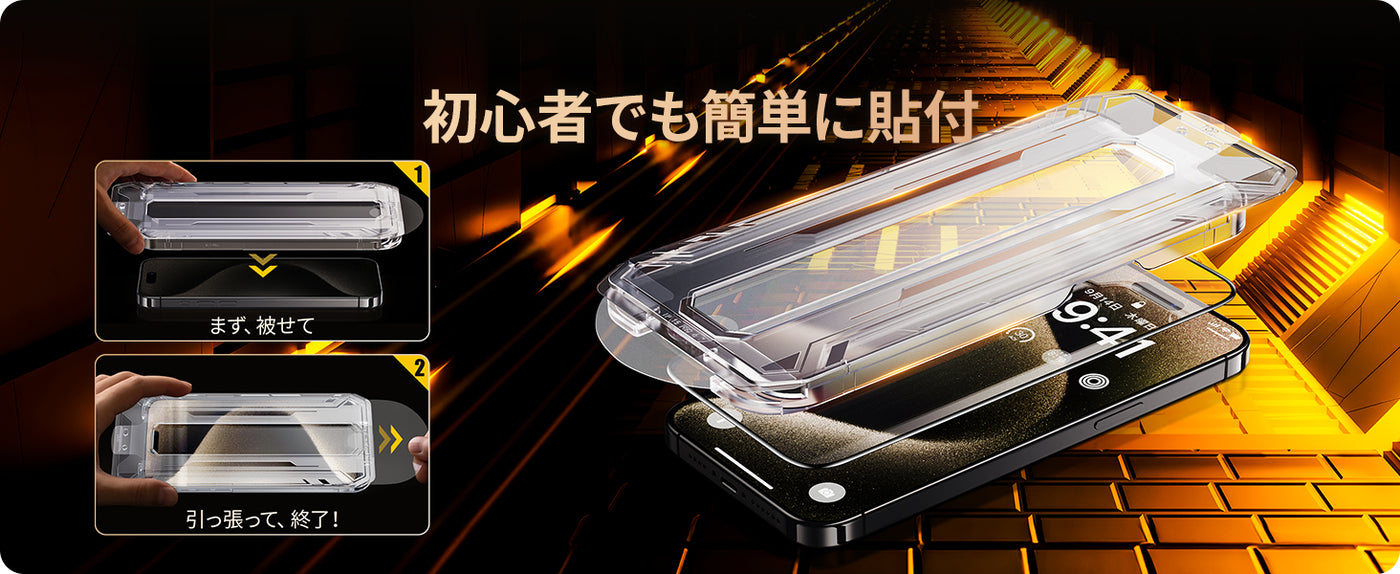

- Notes: ( The instruction manual contains detailed installation instructions and installation videos, so please take a look at them before installing.)
- Before applying the film, thoroughly remove any dirt or dust from the LCD screen using the included wet wipes and cloth, as well as the dust removal sticker, to prevent dust from getting in. When removing the protective sheet, make sure to peel it off with the side that will be attached to the LCD facing down.
- If dust does get in, there is a way to deal with it. Slowly peel the film from the edge to where the dust got in, then use a dust sticker or zero tape to clean off the dust on the adhesive surface.
- If you notice any air bubbles or bubbly parts during application, you can remove them by wrapping a cloth around your finger and pushing them out little by little. If that doesn't solve the problem, you can peel off the glass film and apply it again. (You can also remove the air bubbles or bubbly parts by carefully pushing the film up from the edge with your fingernails to the part with the air bubbles or bubbly parts, then slowly lowering it down and applying it again.)
- Since it is a thin glass film, if you hit it against something hard or drop it, it may crack, but your smartphone screen will be well protected.
- Key Points
- If the air is dry, static electricity may cause dust to adhere to the sticker. Please apply the sticker in a windless place with little dust, such as a bathroom.
- Clean your hands before applying the film.
- To ensure the film is applied cleanly, please double check that there is no dirt or dust on the LCD screen before applying the film.
- To prevent the film from floating when reapplied, be careful not to touch the adhesive surface when removing the film.
Technology and Standards
material
Tempered glass
Features
Includes guide frame, impact resistant, 9H surface hardness, 3D full protection, shatterproof, high transmittance, high sensitivity, automatic suction, bubble-free, fingerprint-proof, and does not interfere with the case
Set contents
Film*1, guide frame, accessory set (cloth, screen cleaner, dust removal sticker), instruction manual, application form
Product weight
130g
Warranty period
12 months