

It's frustrating when dust gets in every time you put it on, but it's actually easy to prevent.
You want to apply a new film perfectly, but every time you try, dust or air bubbles get in and it ends up being a complete failure... But in fact, with just a little ingenuity and following the correct procedure before application, you can almost completely prevent dust from getting in.
Here, we will explain in an easy-to-understand manner, with video links , the causes of dust getting into smartphone screen protectors, specific measures to prevent it , and the correct way to deal with it if it does get in .
table of contents
Why does dust get in? First, let's find out the cause.
No mistakes! 5 steps to eliminate dust before application
What if dust still gets in? Here's a simple recovery method
What film is recommended to prevent dust from getting in?
Frequently Asked Questions (FAQ)
summary
Why does dust get in? First, let's find out the cause.

Dust in the air
Although it is invisible to the naked eye, there is a lot of fine dust floating in the air. When you move your hands during the application process, the dust gets stirred up and ends up on the screen.
Dust from clothes and hair
Wool and lint-prone clothing tend to produce lint, which can fall off during work. Dust can also be found in hair.
Electrostatic adsorption
Smartphone screen protectors are made of resin, which is prone to static electricity. Friction attracts dust. This is especially important when using nylon clothing. Reducing static electricity and friction can significantly prevent dust from adhering to the screen.
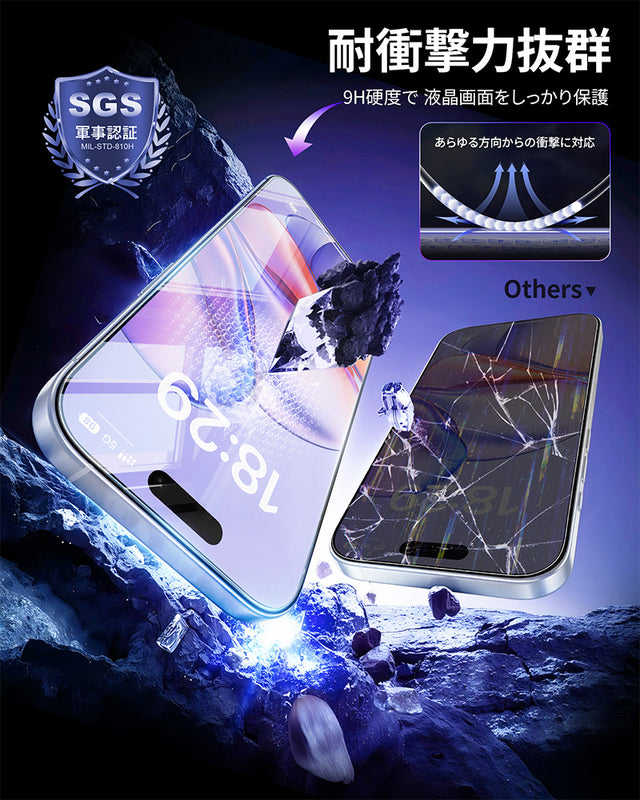
NIMASO Tempered Glass Film for iPhone 17/Pro/Pro Max/Air with Black Border, Full Protection, Shockproof, and Guide Frame [2-Pack]
The 9H hardness glass protects your iPhone screen from scratches even when your smartphone is in your bag or hit by sharp objects like keys.
No mistakes! 5 steps before application to ensure zero dust
To ensure successful application of the film, proper preparation before application is crucial. Follow these five steps to prevent dust from getting in.
Wash your hands and get dressed
Wash your hands thoroughly to remove dirt and dust. It's a good idea to change into clothes that don't easily pill (such as cotton). Create an environment that is less susceptible to dust.
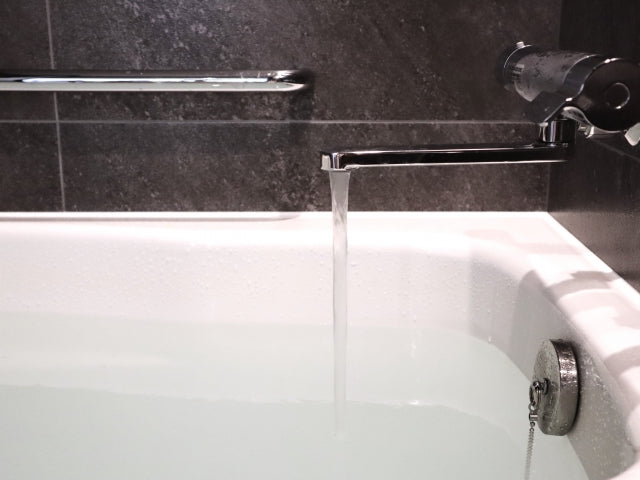
② Working in a humid place such as a bathroom
Taking a bath after a shower is the best environment for working as it reduces the amount of dust in the air.
3. Clean your smartphone thoroughly
Remove oil with the included alcohol wipe, then wipe dry with a microfiber cloth to carefully remove even the most invisible dust particles from the screen.
④ Eliminate static electricity
Using an anti-static sheet will prevent the film and smartphone body from attracting dust.
⑤ Final check with dust removal sticker
Immediately before applying, thoroughly remove any fine dust from the screen and film surface using a sticker.
💡 Just by keeping these five things in mind, you can significantly reduce mistakes when applying the stickers!
👉【Click here for a video of the installation environment】▶ Watch the installation procedure in the bathroom
What if dust still gets in? Here's a simple recovery method
Many of NIMASO's films are reusable, so if dust gets in, you can restore it beautifully by following the steps below.
👉【Click here for a video on how to deal with this】▶ Watch the video on what to do if dust gets in
[Dust removal procedure]
1. Gently lift the edge of the film
2. Remove dust with pinpoint dust removal stickers
3. Adjust the position and reattach it.
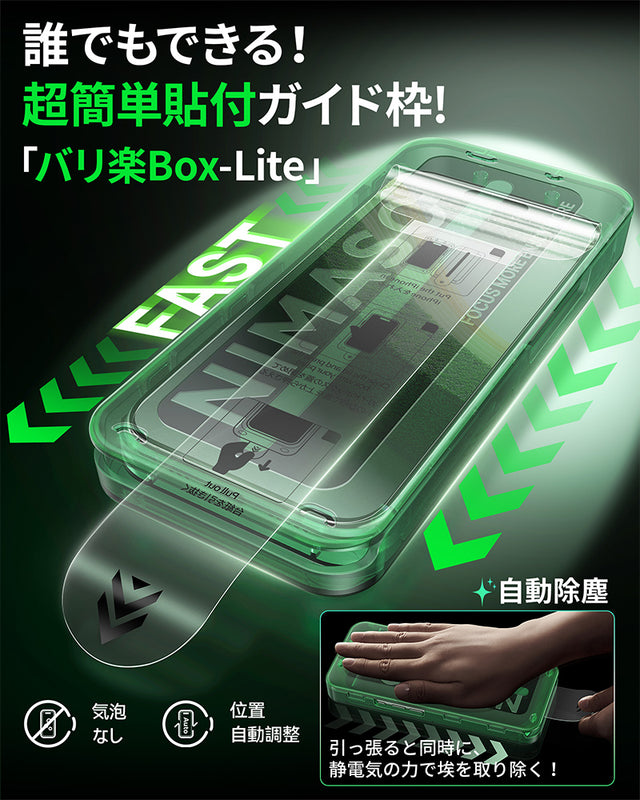
NIMASO Tempered Glass Screen Protector for iPhone 17/Pro/Pro Max/Air, True Color, Anti-Reflective, Aerospace Material, 9H Hardness, Ultra-High Transmittance, Guide Frame, Automatic Dust Removal, Black Border, Full Protection (1 Screen)
All you need is NIMASO's latest automatic dust removal guide frame, which is designed to ensure the film is applied in the correct position on the iPhone 17's LCD screen.
What film is recommended to prevent dust from getting in?
If dust protection is a priority, we recommend a film with the following features:
- Glass film with a surface hardness of 9H <br>Scratch-resistant and protects the screen from impacts caused by drops.
- Anti-static processing <br>Designed to be less likely to attract dust, reducing the amount of dust that gets mixed in during application.
- Repositionable design <br>If dust gets in, it can be easily repositioned.
- Precision cut to prevent case interference <br>Perfect fit with the screen.
We especially recommend NIMASO's " Automatic Dust Removal Guide Frame Film ." Simply place the guide frame over the iPhone and pull it. It fits perfectly in place, minimizing dust and allowing even beginners to apply it neatly.
Actual review of "Automatic Dust Removal Guide Frame Film"

Many users find it easy to use and provide peace of mind.
Frequently Asked Questions (FAQ)
Q1. Where is the best place to paste it?
A: A humid bathroom is the best place to do this, as the steam helps to keep the dust down, which is very effective.
Q2. How can I tell if a film is reusable?
A: Many NIMASO products are compatible. Please check the product page or packaging for details.
Q3. What other points should I be careful of besides dust?
A: It is important to eliminate static electricity and check in advance for interference with your smartphone case.
Summary | Dust-free and stress-free film application
Applying a smartphone screen protector is 80% preparation and 20% application. Creating the right environment and choosing the right product will greatly affect the outcome.
NIMASO's dustproof and bubble-free screen protector makes it easy for anyone to achieve a beautiful finish. Enjoy a comfortable smartphone life.


